
Bedrock feature guide
What Makes Bedrock Edition Tick
A practical tour of Bedrock cross-play, Microsoft account sign-in, Add-Ons, Realms, dedicated servers, and the graphics options available across supported devices.
Bedrock at a glance
Minecraft: Bedrock Edition is available through first-party platform stores and supports cross-play across compatible devices. Local worlds remain on the device where they were created unless you use a Realm or a supported export and transfer path. This page explains cross-play, account roles, Realms, dedicated servers, Add-Ons, and graphics settings.
Wherever a claim below could affect how you set things up, we link to the official Minecraft or Microsoft page for it, and we keep community advice separate from documented behaviour. If you are here to fix a specific problem rather than learn how a feature works, the guides and FAQ pages are organised around symptoms and questions.
Cross-play & Microsoft accounts
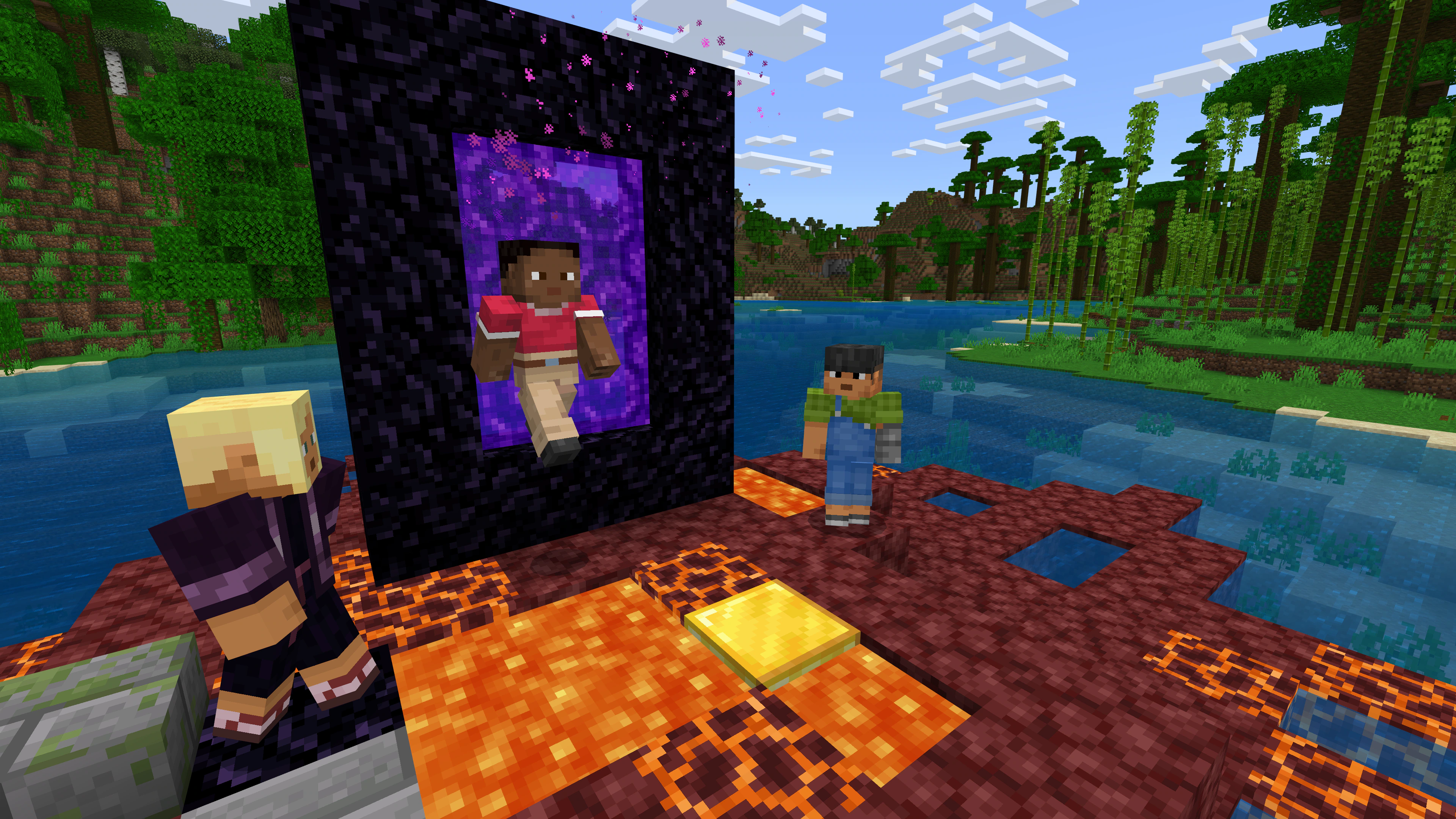
Platform-specific Bedrock clients can cross-play when all players use Bedrock and compatible game versions. Java Edition runs on a separate network, so Java and Bedrock players cannot join the same world. Mojang documents this in the Minecraft Help Center.
The Microsoft account stores the Bedrock friends list, handles invites and Realms, and carries supported Marketplace purchases. The separate platform-store account owns the game licence and handles platform billing; PlayStation uses its own Tokens wallet. For younger players, online permissions are managed through Microsoft and platform family controls.
Version matching is one of the first checks when a join fails because stores can roll out updates at different times. It is a diagnostic step, not proof of the cause.
 Win10/11
 Xbox
Xbox
 PS4/PS5
 Switch
 ARM/Mobile
Data-Driven Modding: Add-On JSON API
Bedrock does not use Java mod loaders such as Fabric or Forge. Add-Ons can include resource packs, behavior packs, and supported JavaScript Script API modules documented by Microsoft.
Add-Ons remain version- and platform-dependent and can conflict or fail to load. A host or server can require clients to download resource packs, but that does not guarantee compatibility or remove platform import restrictions.
Realms vs. self-hosted servers
Realms are subscription worlds hosted for you by Mojang/Microsoft. Bedrock Realms supports the owner plus 2 other simultaneous players. Realms Plus supports the owner plus 10 and includes Marketplace Pass. Java Realms is separate. Current details are on the official Realms page.
Bedrock Dedicated Servers (BDS) are free server binaries you run yourself on Windows or 64-bit Ubuntu 22.04 LTS or later. Mojang states that other Linux distributions are not supported. They suit larger PC and mobile communities and expose settings such as player limits and simulation distance through a server.properties file. You get the software and documentation from the official server download page. Consoles do not have a menu for entering a custom server address, so console players use Realms or the in-game featured servers instead.
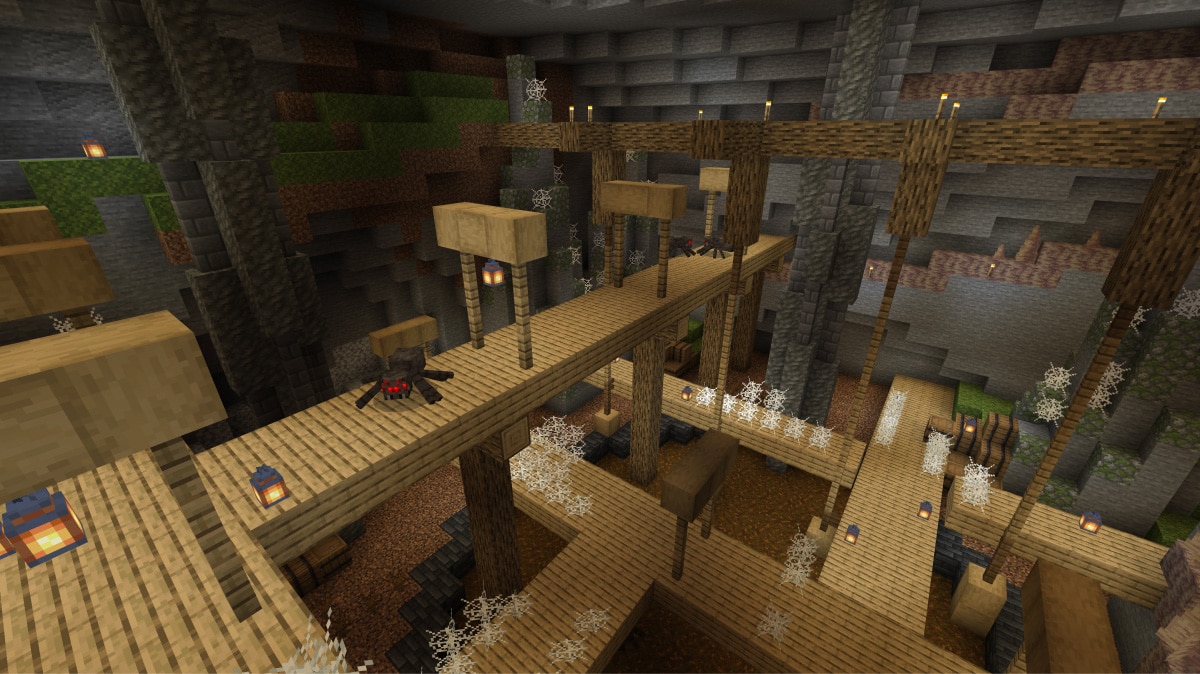
Render Dragon & Hardware Ray Tracing (DXR)
The Bedrock codebase uses the Render Dragon graphics engine. Hardware ray tracing on Windows requires a DXR-capable GPU, including supported NVIDIA and AMD hardware, plus compatible resource-pack content. Verify current support on the official ray-tracing page.
A closer look at Add-Ons
Where Java Edition relies on community mod loaders such as Fabric or Forge, Bedrock Edition uses Add-Ons documented in Microsoft's official creator documentation. Add-Ons can contain structured packs and supported scripts; behavior, availability, and import paths vary by game version and platform.
Behavior packs
Behavior packs change how the world works. They are collections of JSON files that describe entities and their components, so creators can adjust mob behaviour, loot tables, crafting, and spawn rules, or define brand-new entities. When applied to a world, those definitions replace or extend the default gameplay.
Resource packs
Resource packs change how the world looks and sounds. Beyond textures, they can define 3D models, UI layouts, sounds, and particles. A server or Realm can require clients to download its resource packs; successful download and behavior still depend on pack settings, version, and device support.
The Scripting API
For behaviour that JSON alone cannot express, Bedrock offers a JavaScript-based Scripting API documented on the Minecraft Creator site. Whether a module requires an experiment depends on the API version and feature; check the current module documentation instead of assuming every script needs a toggle.
Graphics & performance settings
Bedrock uses the Render Dragon graphics engine across its platforms, with a backend suited to each device. That shared foundation is why the same worlds render on hardware as different as a phone and a desktop PC.
Ray tracing on supported Windows PCs
Ray tracing is available on Windows PCs with compatible graphics hardware, and it is enabled through an RTX resource pack plus a Video setting inside the game. When active, lighting is calculated more realistically:
- Global illumination: light bounces between surfaces, so a red block near a white wall tints it.
- Emissive blocks: sources such as glowstone and torches cast real light.
- Physically based rendering: textures with metallic, roughness, and normal maps react to light more accurately.
Ray tracing is demanding and is only offered on supported Windows PCs; it is not available on consoles or mobile. Check the current requirements before enabling it.
Render distance vs. simulation distance
Bedrock separates render distance (how far you can see) from simulation distance (how far the game keeps the world active, such as running farms and spawners). Lower-powered devices cap these settings to stay smooth, while a strong PC can raise them. If a device struggles, lowering render or simulation distance is usually the first setting to adjust.
Servers, Marketplace & keeping versions in sync
Featured servers
Bedrock includes a Servers tab in the Play menu with featured partner communities you can join with a single click — no IP address to type in. Each community runs its own minigames, rules, and moderation. Because these servers are approved for the in-game list, they are the main way console players join large public communities alongside Realms.
Marketplace & Add-Ons
The in-game Marketplace offers worlds, skins, texture packs, and Add-Ons from Mojang and approved creators. Availability can vary by device and listing. Only Realms Plus includes the Marketplace Pass catalog; standard Bedrock Realms does not. You can browse the catalog on the official Marketplace page.
Version matching
Since all Bedrock players share one edition, the single most important thing for playing together is running the same game version. App stores and consoles publish updates at slightly different times, so a friend on the newest update may be temporarily unreachable to someone who has not updated yet. Before troubleshooting anything else, everyone should check for and install pending updates. If a join still fails afterwards, the connectivity guide walks through account, privacy, service-status, and network checks in order.
Split-screen and local play
On Xbox, PlayStation, and Nintendo Switch, extra players can join the same screen by connecting a controller and pressing start, which is ideal for family sessions. Devices on the same local network can also see and join each other's open worlds without an internet server. These local options do not need any subscription, though online multiplayer between households still depends on each player's account and platform requirements.
Engine Capabilities by Platform
Hardware defines feature limits. This matrix breaks down technical capability across the Bedrock ecosystem.
| Architecture Feature | Windows PC | Current-Gen Consoles | Mobile (ARM) |
|---|---|---|---|
| Native Custom IP Connect | Supported | No native custom-address field | Supported |
| Render Dragon Engine | Yes (DXR) | Yes (No RTX) | Yes (OpenGL/Metal) |
| Local File Access (Add-ons) | Full Access (.mcpack) | Marketplace Sync Only | Platform-dependent import support |
| Max Simulation Distance | High (CPU dependent) | Medium-High | Low (Battery gated) |
| Split-Screen Rendering | No | Up to 4 Players | No |